Refined Launchpad

See your Refined site before you build it

Enter a few details about your team and use case — get a full, branded site in seconds.

How it works

Three steps from blank page to branded site.

01
Chat with AI

Share details like your company name, use case, and audience — it takes less than two minutes.

02
See your site

Launchpad generates a site with your brand applied. Fine tune it via chat.

03
Share and keep building

Share with stakeholders to showcase Refined's potential. Or upload your site to a free Refined trial to continue building.

Trusted by enterprise Atlassian teams worldwide
Simply - best in class. No one can offer the same. No doubts must have for each company wanting to have own designs and layout.
User tests have shown that in our new design, the end users find it easy to engage with and access the content that we would like for them to be exposed to.
The sentiment was from upper management that this was so successful, we are making this a staple of what we're doing, and we're going to continue to grow it as our client-facing model.
If you want a really good-looking intranet that supports your branding, Refined is a great tool. The navigation levels and flexibility of navigation options are excellent.
Refined has changed how everybody at Box reaches out to get assistance with anything.
Refined is simply the best and a solid base if you want to improve your Confluence platform.
We constantly heard, ‘This is amazing. Thank you so much for moving to this type of a system.’
Our work became more effective. And we know what each other are working on, so we're not responding to the same email, for example.
We’ve heard way more, ‘Oh, I found this on your documentation, I have questions,’ versus just a question without taking the time to look for the answer.

Create a Refined site like this

Enter a few details about your team and use case — get a branded site in seconds.
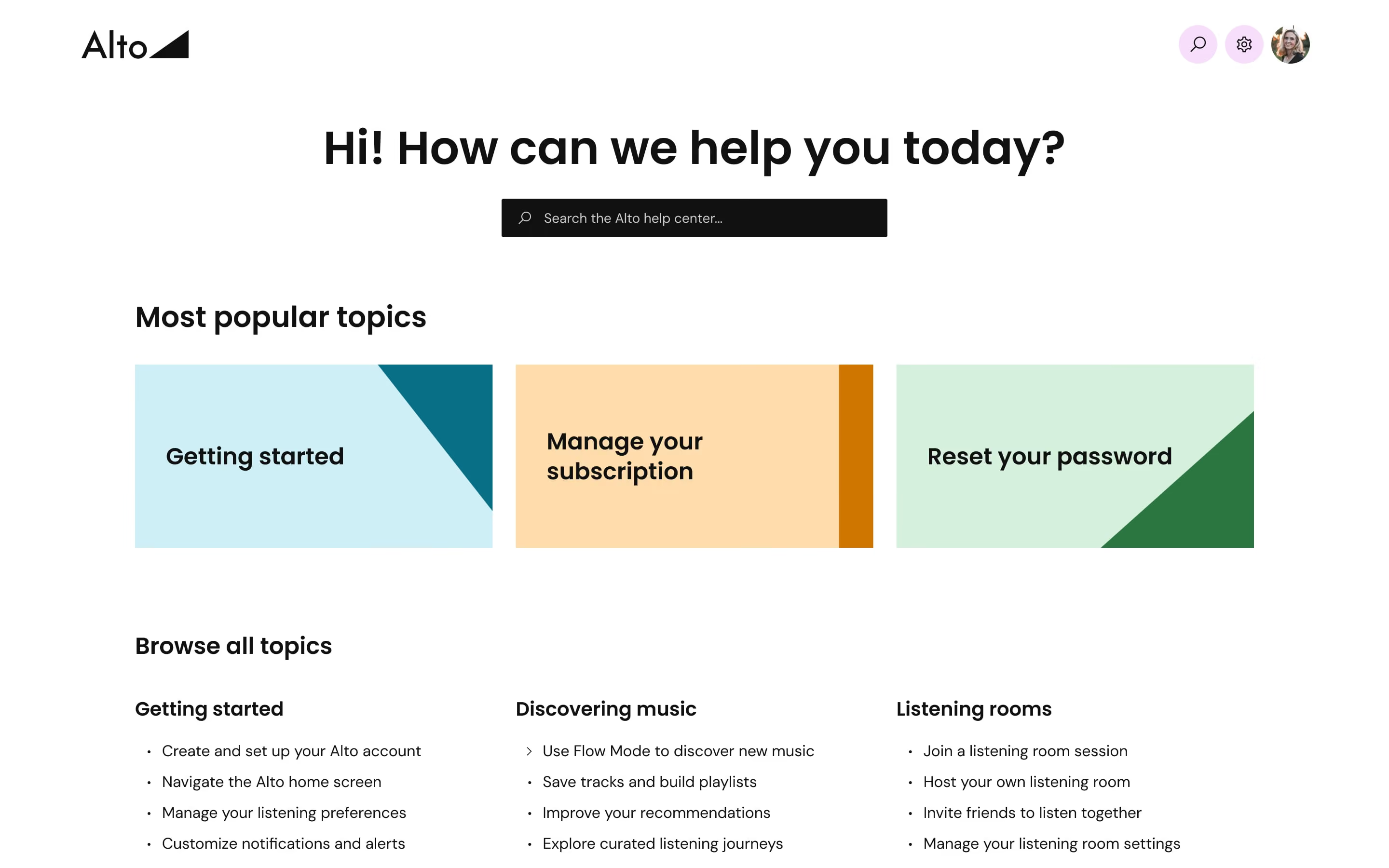
Alto knowledge base with search bar, popular topics like Getting started, Manage subscription, and Reset password.
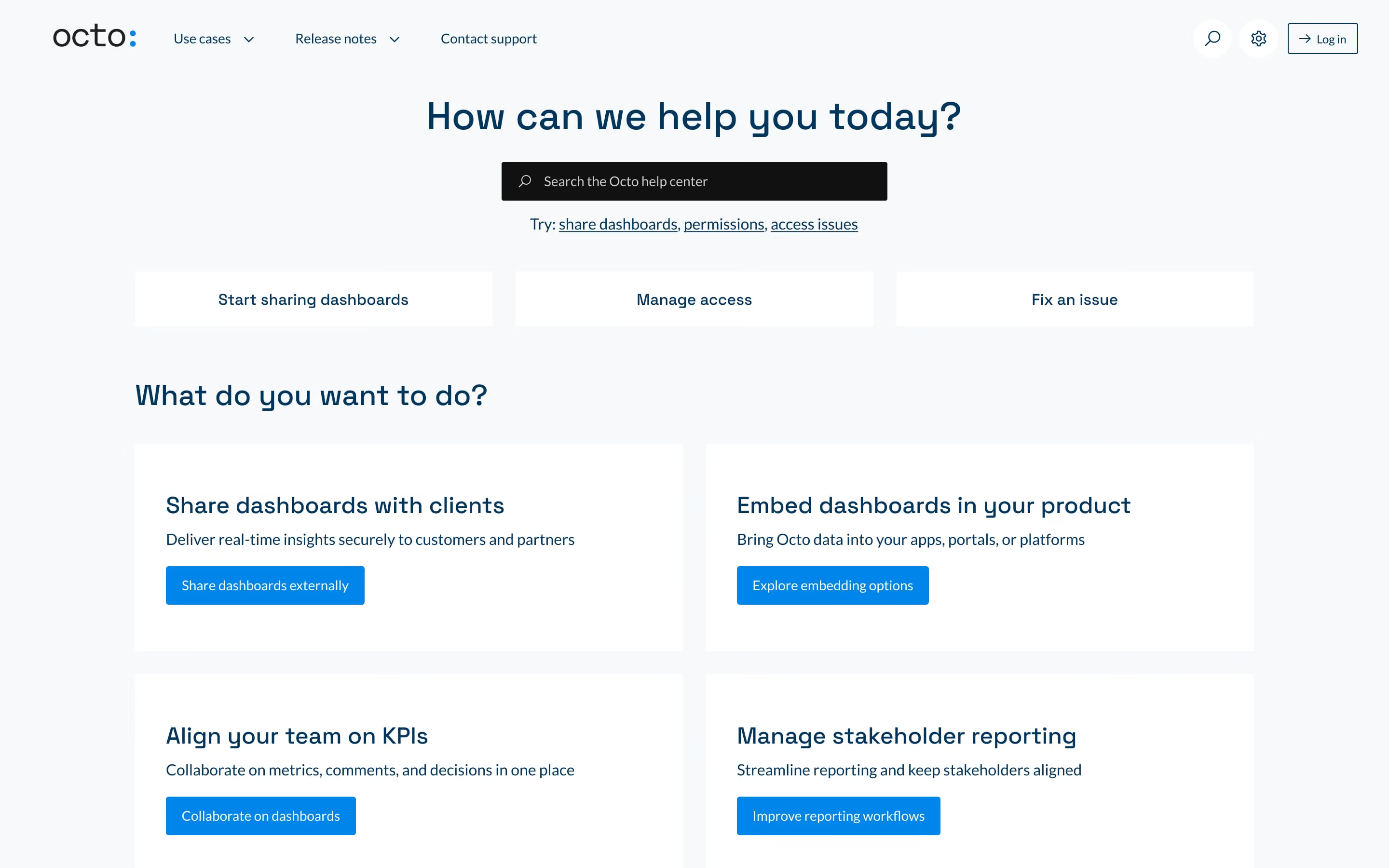
Octo help center page with search bar and options for sharing dashboards, managing access, and fixing issues.
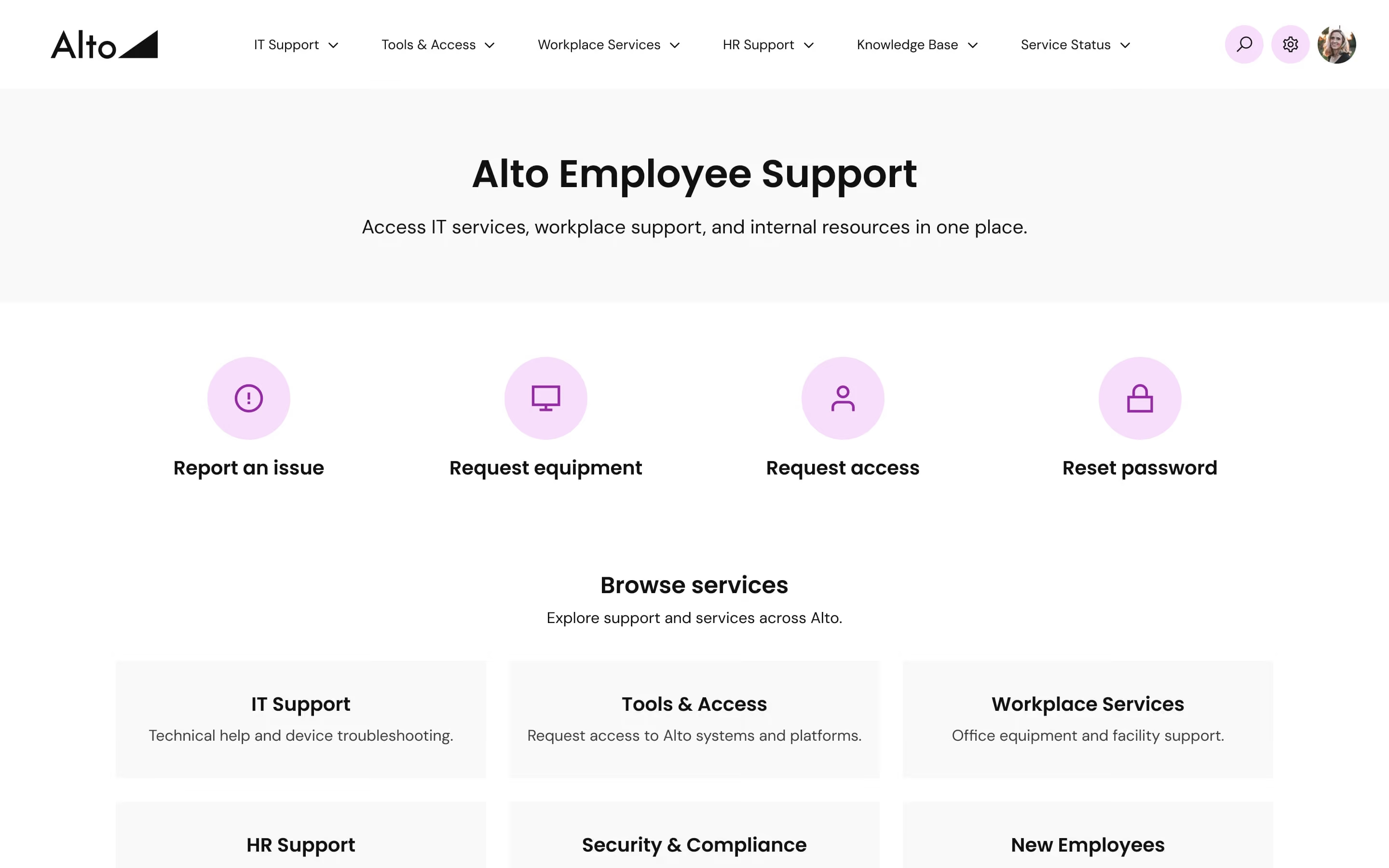
Alto employee support page with options to report issues, request equipment, access, reset password, and browse services.
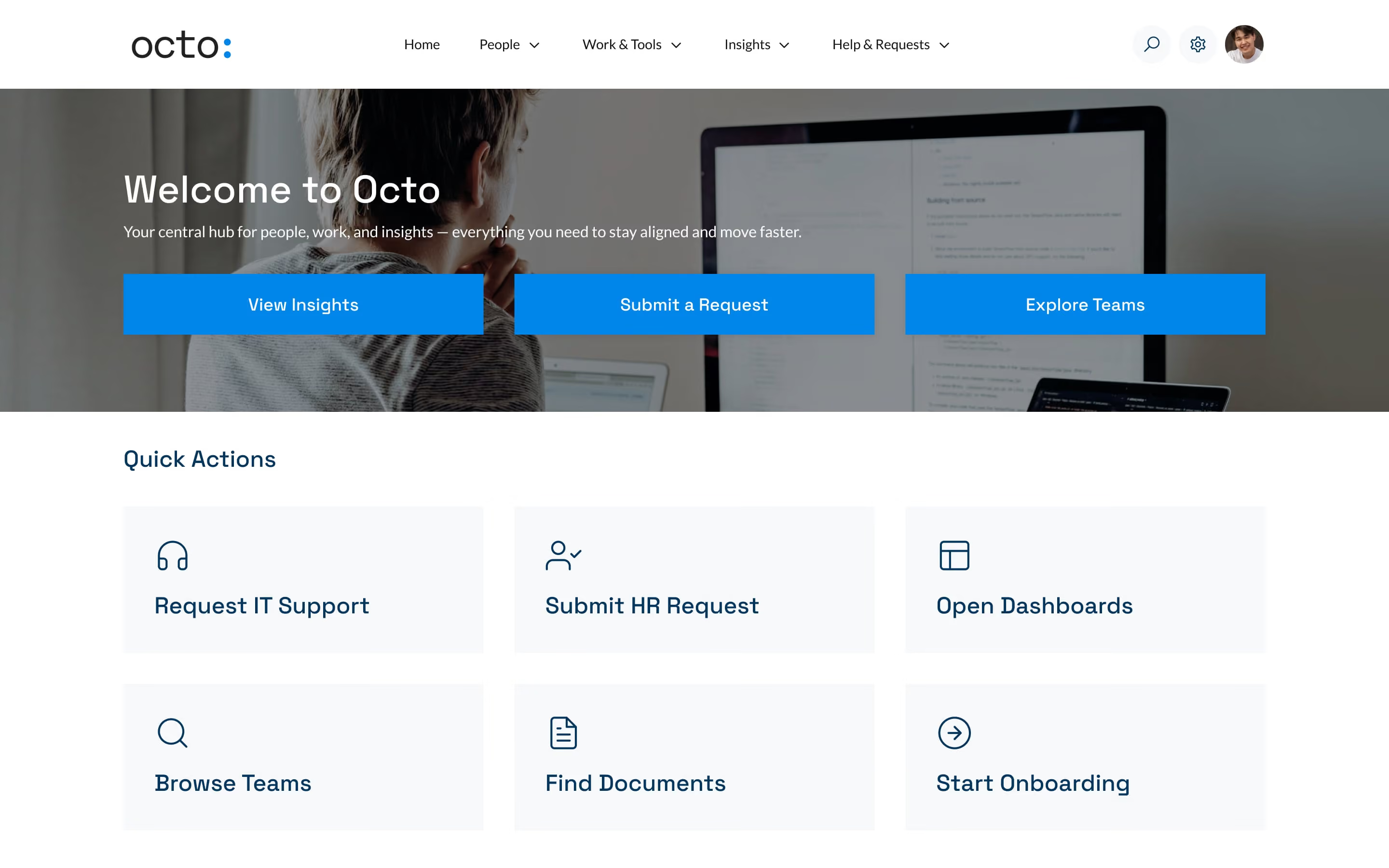
Dashboard homepage of Octo intranet with options to view insights, submit requests, explore teams, and quick actions.
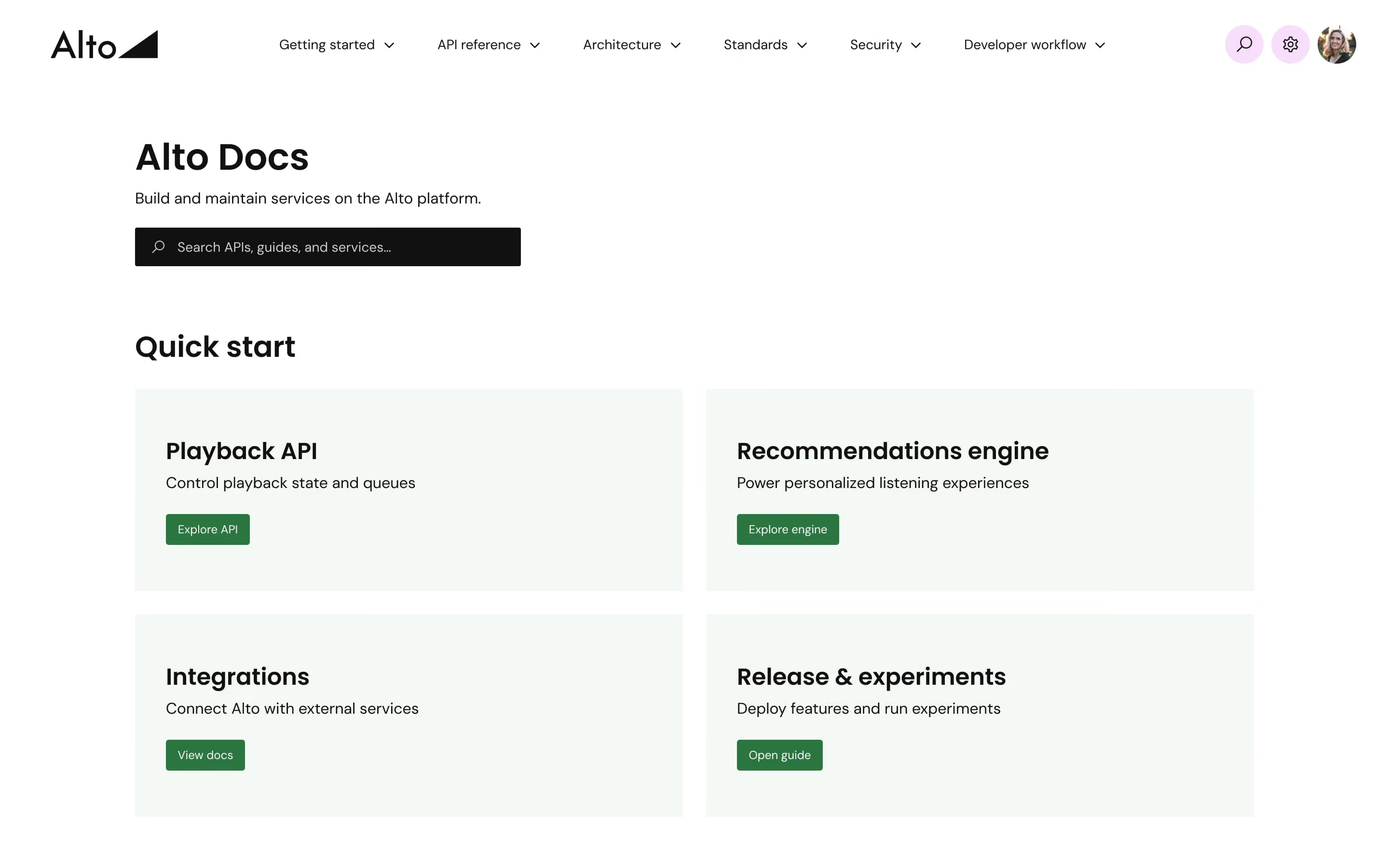
Alto docs homepage showing quick start options for Playback API, Recommendations, Integrations, and Release guides.
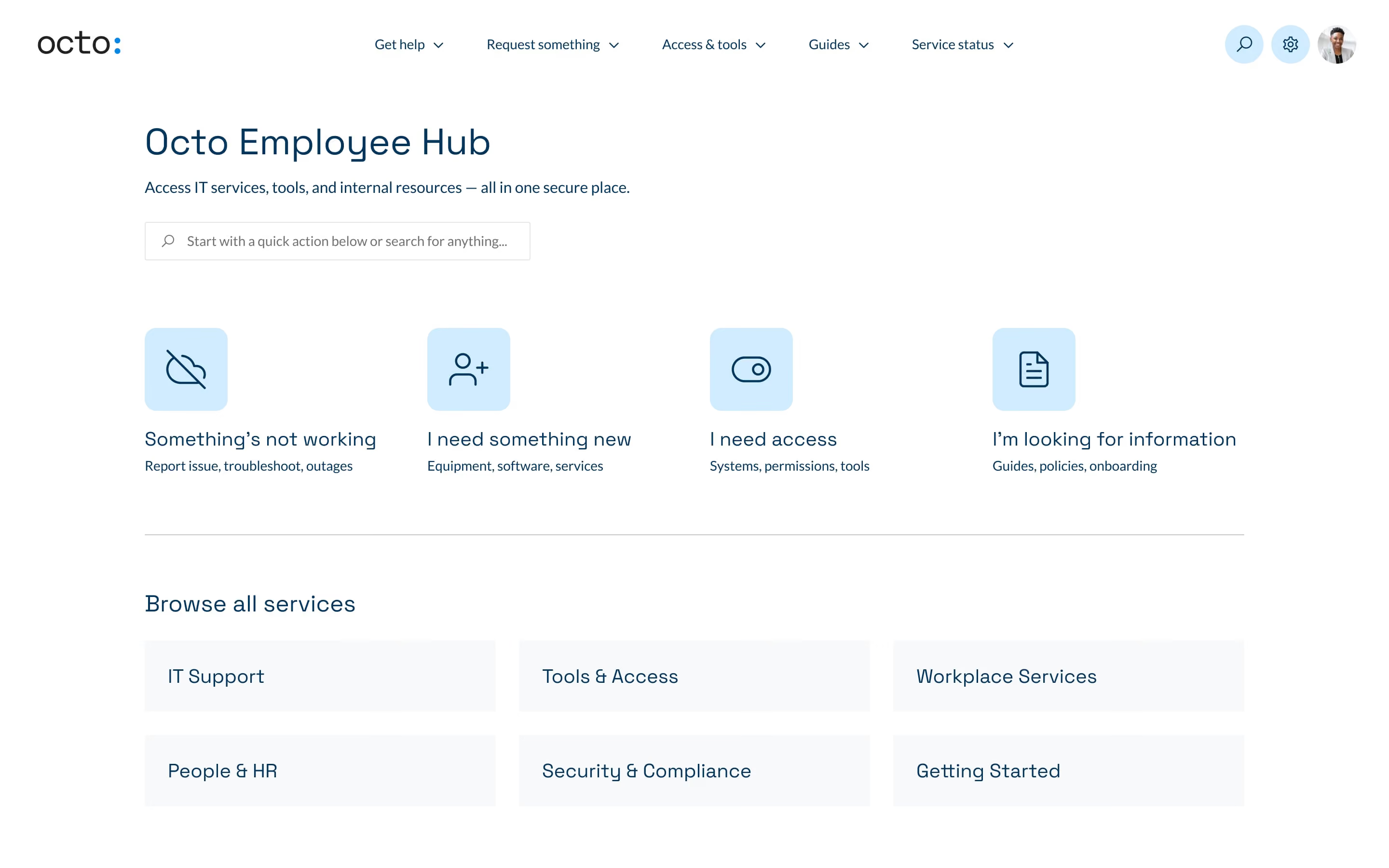
Octo employee hub page with quick access to IT help, requests, access, and information plus service categories.
Alto knowledge base homepage with search bar and popular topics: Getting started, Manage subscription, Reset password.
Octo help center page with search bar and options to share dashboards, manage access, or fix issues.
Alto employee support page with options to report issues, request equipment or access, reset password, and browse services.
Octo intranet homepage with menu, welcome message, blue action buttons, and quick action icons.
Alto docs webpage showing quick start options: Playback API, Recommendations engine, Integrations, Release & experiments.
Octo employee hub webpage showing IT services, quick actions, and service categories for employees.